fFix: Fatal error: Uncaught Error: Call to undefined function porto_meta_sidebar
porto_meta_sidebar() function has been removed from latest version of porto theme, so just disable the line that makes call this function, your site will work fine.

porto_meta_sidebar() function has been removed from latest version of porto theme, so just disable the line that makes call this function, your site will work fine.
If your WooCommerce products are automatically reverting from “Out of Stock” to “In Stock” without any manual intervention, there are a few potential causes and troubleshooting steps you can try: If the issue persists after trying these steps, I recommend reaching out to the WooCommerce support team or posting a question on the WooCommerce community…
Issue: Can’t upload .docx files (sorry, you’re not allowed to upload this file type) in wordpress If you’re encountering an issue where you’re unable to upload .docx files in WordPress and receiving the error message “sorry, you’re not allowed to upload this file type,” it’s likely due to the file type restrictions set by your…
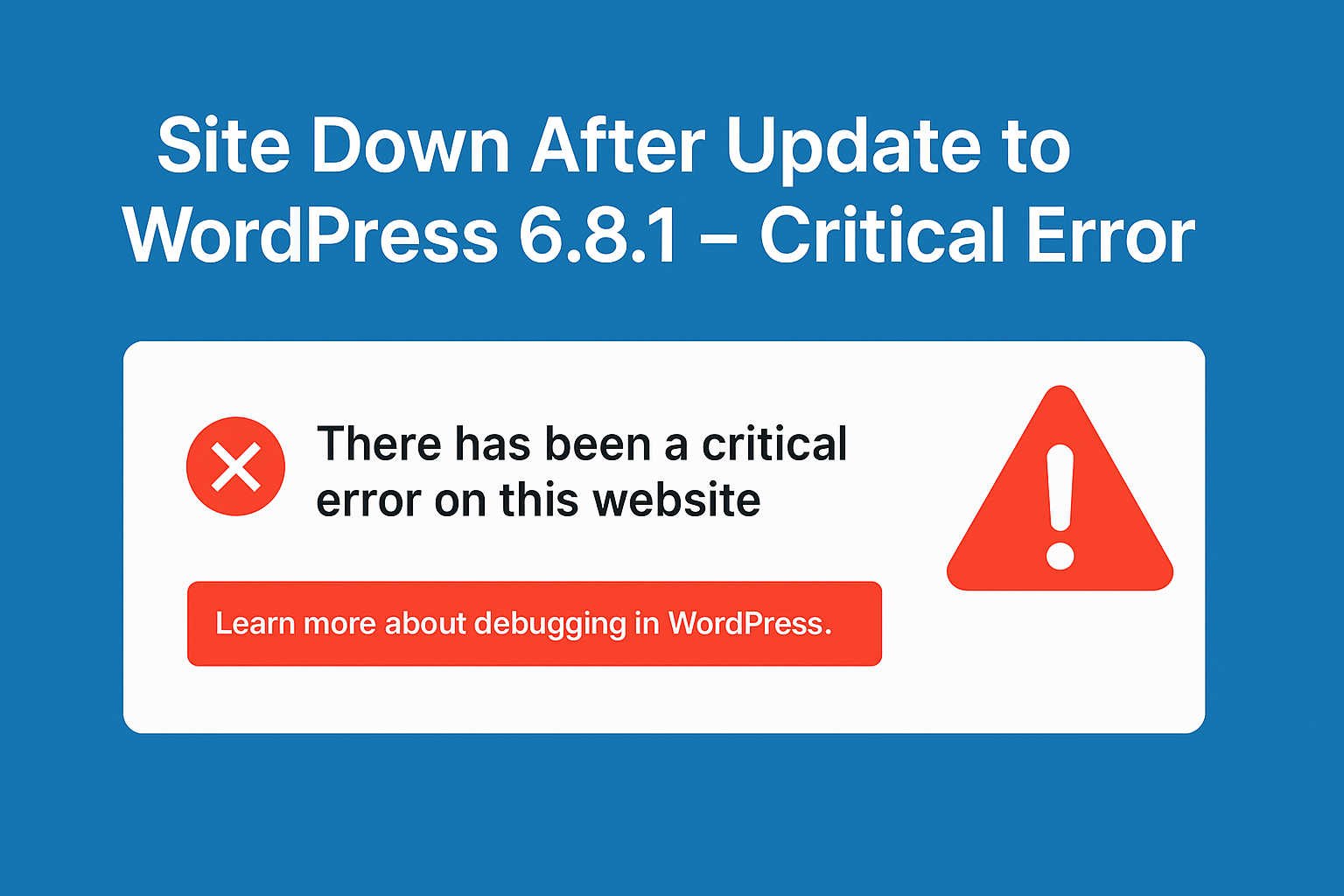
If your WordPress site is displaying a “There has been a critical error on this website” message after updating to version 6.8.1, you’re encountering a PHP fatal error that prevents the site from loading properly. This issue is often due to plugin or theme incompatibilities, insufficient PHP memory, or outdated PHP versions. Here’s a step-by-step…
FastCGI sent in stderr: “PHP message: PHP Warning: Trying to access array offset on value of type bool in wp-content/themes/savoy/includes/woocommerce/search-suggestions.php on line 176; The error message you mentioned is occurring in the “search-suggestions.php” file of the Savoy WordPress theme, specifically on line 176. It seems that there is an attempt to access an array offset…
PHP Fatal error: Cannot declare class WP_Metadata_Lazyloader, because the name is already in use in /opt/bitnami/wordpress/wp-includes/class-wp-metadata-lazyloader.php on line 32 The error message you’re seeing indicates that the class WP_Metadata_Lazyloader is being declared more than once in your WordPress setup. This can happen due to a variety of reasons, such as: Here’s how you can troubleshoot…
PHP message: PHP Warning: Attempt to read property “ID” on null in /wp-includes/post.php on line 7381 The media library page returns a 502 error. When it loads it is blank. The error you’re encountering seems to be related to a WordPress plugin or theme issue. You can get our wordpress bug fixing service or Here…